
Define the setup
Choose the dial modulus, points and orbs for your method, then inspect the contacts within that setup. Keep the same settings when comparing charts or returning to an earlier analysis.
Midpoints · Dials · Speculum
Explore midpoint relationships in a dedicated dial workspace. Bring coordinate and Speculum listings into the analysis as you examine chart positions.
Symmetry
Overview
Choose the dial modulus, points and orbs for your method, then inspect the contacts within that setup. Keep the same settings when comparing charts or returning to an earlier analysis.
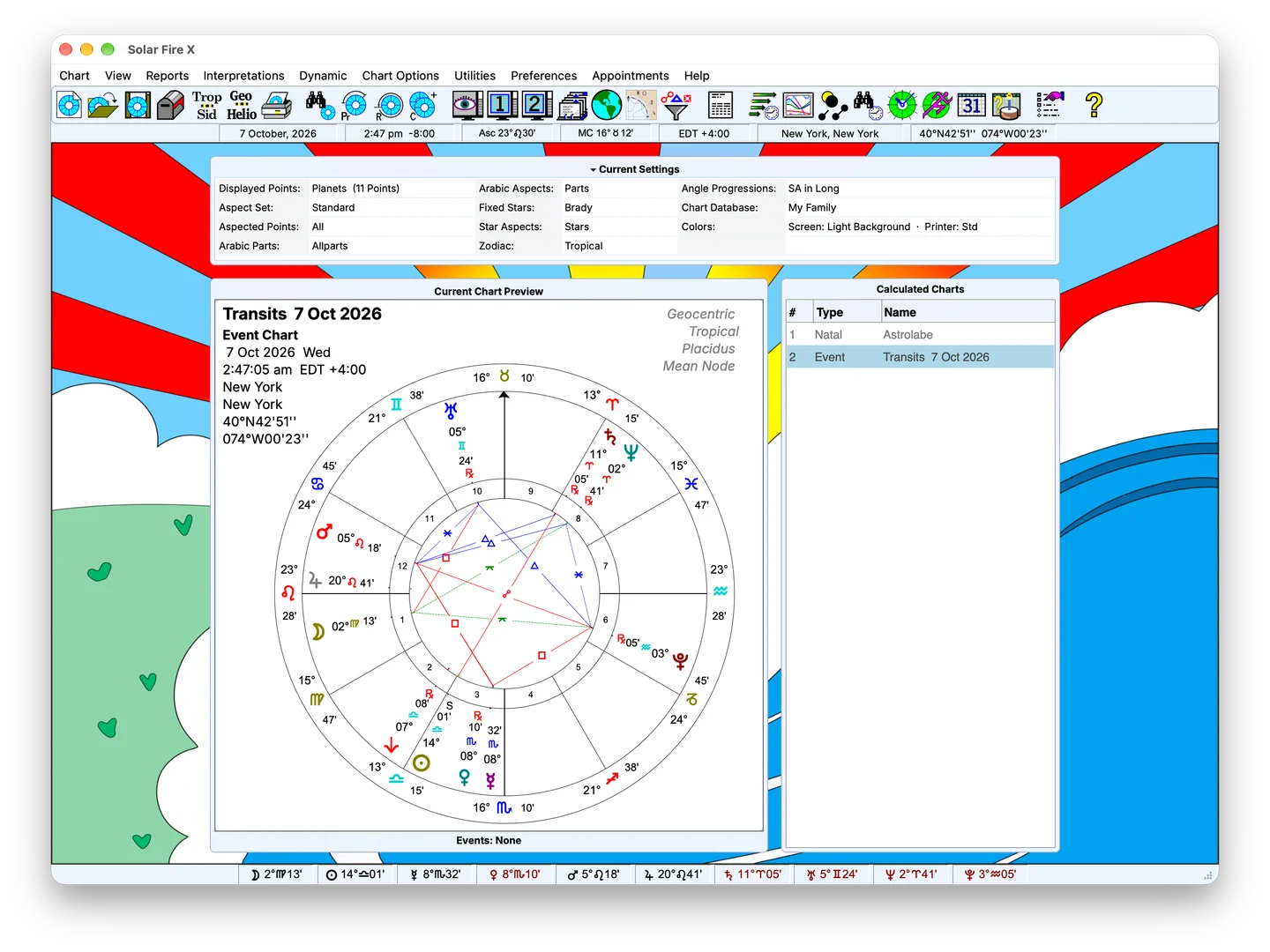
In detail
Use the dial workflow to examine point-to-midpoint contacts and planetary pictures relevant to your analysis. Related midpoint listings, axes and trees provide other ways to inspect the chart material.
Read the contacts using the conventions of your chosen method, with the dial and related listings available for comparison.
Speculum listings provide positional information such as right ascension and declination. Coordinate selection matters when an example moves beyond ordinary zodiacal longitude.
Choose the coordinate approach your analysis requires, including zodiacal or in-mundo work, and use the positional listings to examine the result.
Start with one chart and a focused set of points. Examine a contact on the dial, compare it with the positional listing, then add the layers needed for your analysis.
Keep exploring