
Interpretation · Text · Editing

Read the chart with more context.

View available interpretation text alongside chart factors. Move between individual descriptions and the chart as you develop your reading.

Interpretations

Features at a glance

Chart-linked text

  • Natal and synastry text
  • Progression, return, combined and prenatal interpretation-file selections
  • Transits, progressions and directions to natal positions
  • Firdaria: current period, previous/current/next and lifetime reports
  • Midpoint and planet-to-midpoint reports
  • Sabian Oracle

Browse by chart factor

  • Degrees and decanates
  • Signs and houses
  • Elements and modes
  • Quadrants and hemispheres
  • Aspects and rays
  • Lunar phases
  • Signs on house cusps
  • Chart points and their house/sign positions
  • House rulers and dispositors
  • Midpoints and point-to-midpoint relationships
  • Nakshatras

Reading modes

  • Current-chart interpretations
  • General interpretation browsing
  • Modern, traditional, esoteric and hierarchical rulership selections

Custom interpretation reports

  • Editable interpretation text
  • Full and synastry report generation
  • Separate text-file choices for different chart and timing types

Overview

Interpretations

Begin with the relevant factor

Read available sign, house or aspect text alongside the chart. Compare the description with the factor being examined, then consider its relationship to the rest of the chart.

Coverage depends on the supplied text set. A calculated point does not automatically have interpretation text for every context.
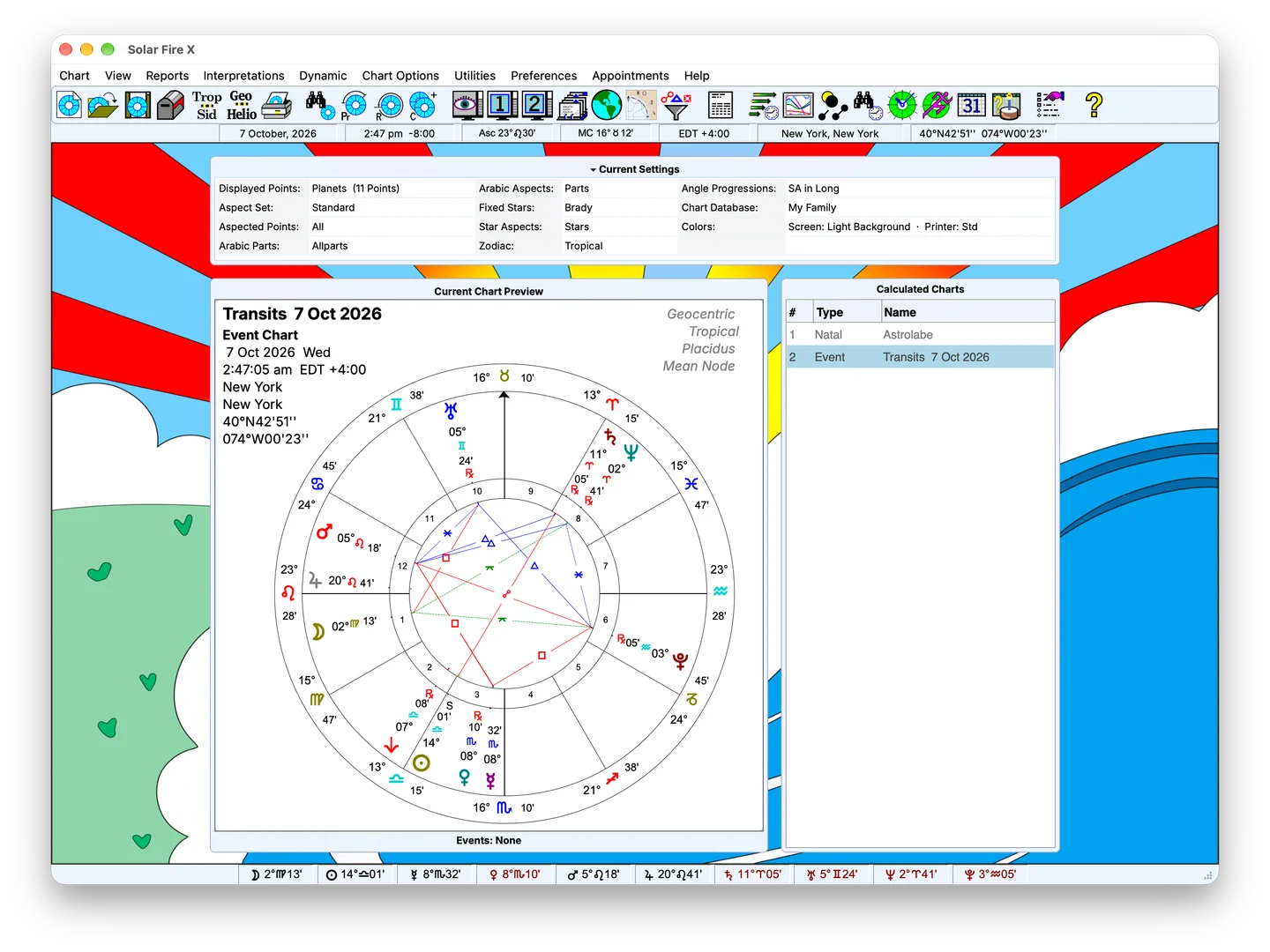
INTERPRETATION VIEWER
Solar Fire X main screen with chart preview and calculated-chart list

In detail

What's inside

Browse beyond the selected chart

General-text browsing provides a way to read material without starting from a particular chart factor. Natal, relationship, timing and specialist material may have different coverage, so check the sets included with the current product.

FIG. 02 · GENERAL-TEXT BROWSING
Solar Fire X main screen with chart preview and calculated-chart list

Develop your own reading

Individual descriptions provide ingredients for interpretation. The astrologer decides which factors are relevant, how they relate and what can responsibly be said about the question.

Use the editing paths to work on wording, and check the saved result before relying on it in a recurring report workflow.

FIG. 03 · INTERPRETATION EDITING
Solar Fire X main screen with chart preview and calculated-chart list

Prepare material for the reader

Review selected text beside the chart and analytical reports. Choose the sections appropriate to the purpose and reader rather than including every available description.

FIG. 04 · REPORT TEXT SELECTION
Solar Fire X main screen with chart preview and calculated-chart list

Keep exploring

Related features

Buy Solar Fire X now, or upgrade from a previous version.

Calculate charts, explore timing and locations, and create chart pages for your practice with Solar Fire X.