Case studies · Workflow example
Give your class a shared starting point.
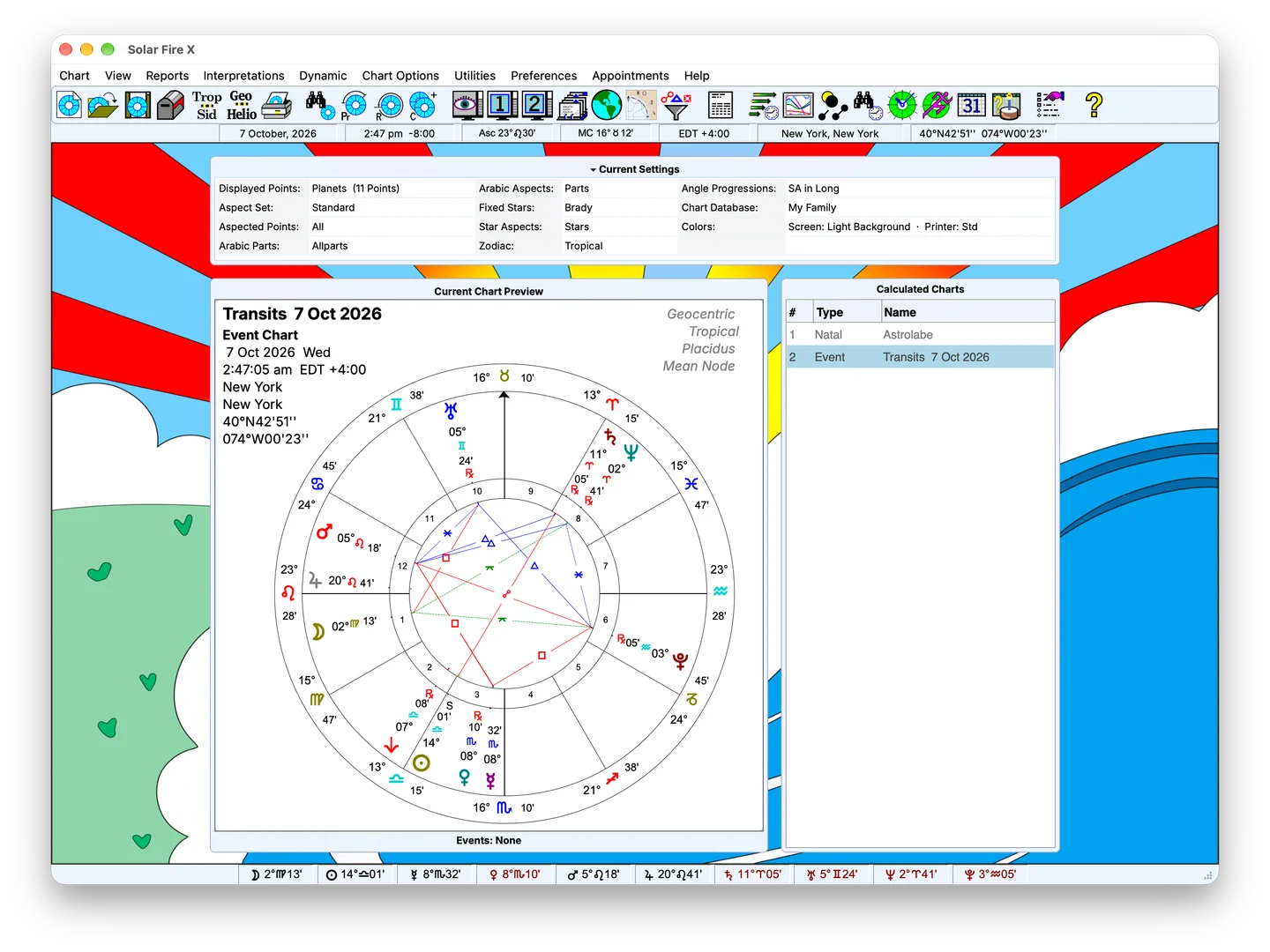
Prepare chart examples and share a teaching setup with Teacher Settings. Use chart animation and custom layouts to explain the technique you are teaching.
In practice
The workflow
Package the way you teach
Enable “I am an astrology teacher” in Preferences to access Create Teacher Settings. Build a ZIP package containing your teaching setup: pages, wheels, aspects, dignities and other settings, together with the chart examples you choose.
Let students follow the same example
Students use Load Teacher Settings to open your package. A shared setup gives the class a consistent starting point when comparing a chart, following a demonstration or discussing why a calculation changes.
- Use your chosen wheel and page layouts for classroom examples.
- Share the aspect and dignity settings relevant to the lesson.
- Include selected teaching charts with the settings package.
Switch back when the lesson ends
Switch between teacher and personal settings without replacing your own setup. Personal chart files remain separate, and the active teacher package is named in Settings so students can see which setup they are using.
Build a lesson around a visible change
Pair your teaching setup with chart animation to demonstrate changes over time. Use the wheel and page designers to decide what the class sees, keeping the lesson focused on the technique you are explaining.