
Is Solar Fire X a course?
Solar Fire X is astrology software for calculating and examining charts. Use it alongside teaching, books or independent study.
Case studies · Workflow example
Calculate the charts behind your lessons, compare techniques and read chart-linked text as you study. Keep inputs and settings clear so you can follow each example.
In practice
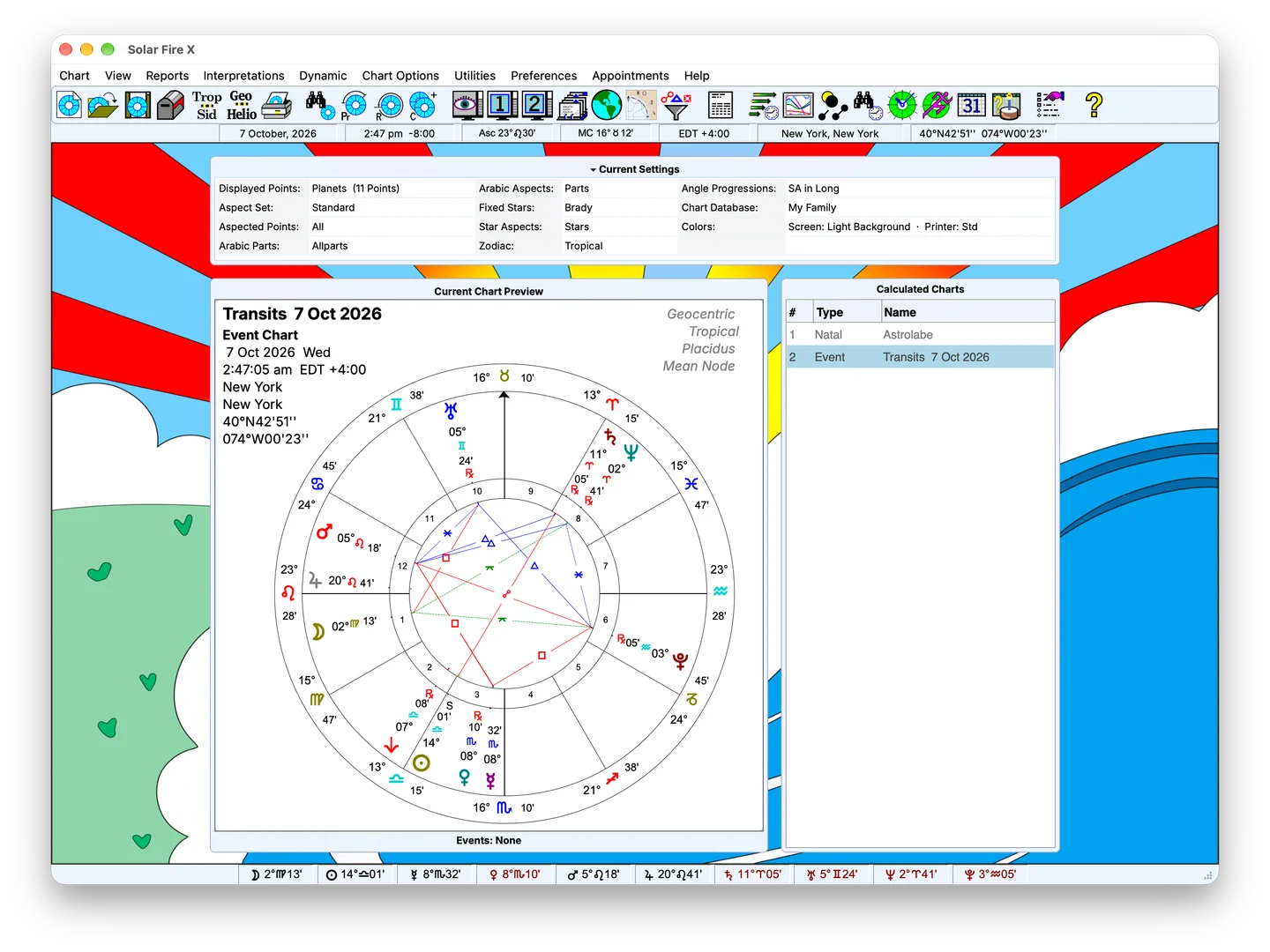
Enter birth or event data and calculate the chart's positions, angles, declinations and houses. Choose the zodiac and house settings required by your study, then use the result alongside your course materials or teacher's example.
A useful exercise starts with clear inputs. Record the time, place and calculation settings so you can compare results and understand what changes when a setting changes.
Use the same starting data to explore different calculations. Compare a natal chart with a harmonic chart, inspect a configured Lot formula, or examine how composite and Davison charts are constructed.
Different questions call for different tools:
Keep the method and its settings visible as you work. A calculation provides the material for study; interpretation develops through reading, practice and discussion.
The interpretation viewer includes chart and general modes, with interpretation-file selection and editing tools. Use the available text alongside the chart and your other learning resources.
As your study becomes more specialised, explore the tools relevant to the subject. You can follow a focused path into traditional techniques, harmonics, electional searching or dial work without making every tool part of every exercise.
FAQ
Solar Fire X is astrology software for calculating and examining charts. Use it alongside teaching, books or independent study.
Choose the chart settings needed for the exercise and compare them with the teacher’s instructions.