
Can I use more than one astrological method?
Solar Fire X includes several chart, timing and research tools. Start with the methods you use most often and review the relevant feature pages to see how each fits your work.
Case studies · Workflow example
Bring chart calculation, timing and presentation into your consultation workflow. Compare techniques, organise chart material and save layouts for the work you return to.
In practice
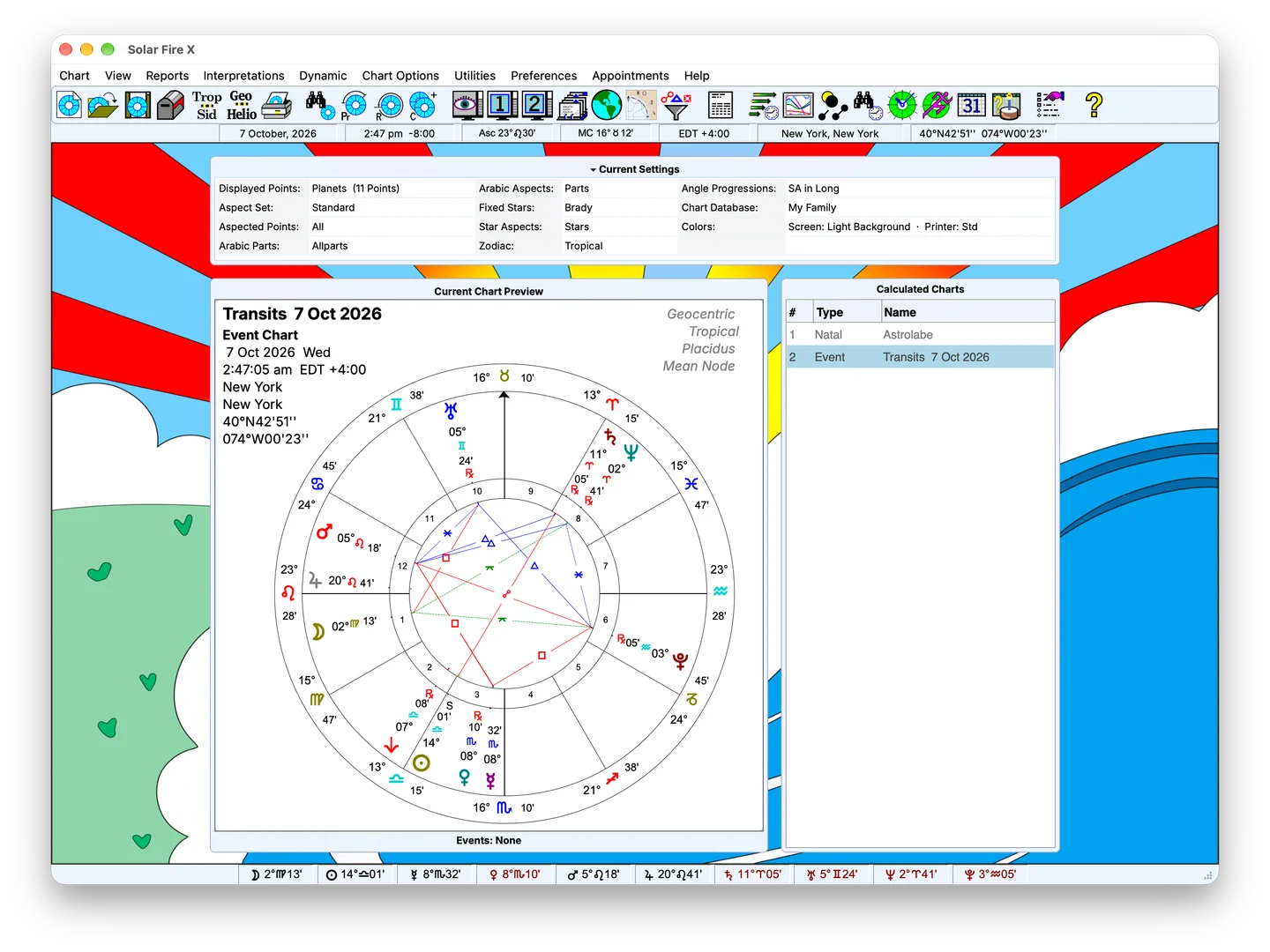
Start with birth or event data, then calculate planetary positions, angles, declinations and houses using your chosen zodiac and house settings. Keep the calculation consistent with the method you practise, whether you work with tropical or sidereal charts.
For relationship work, calculate midpoint composite and Davison charts. These methods construct different kinds of relationship charts, giving you distinct results to examine alongside the original data.
Use dynamic reports to examine selected events over a date range. View planetary positions through the Graphic Ephemeris, or explore specialised calculations when your practice calls for them.
Choose the tools relevant to the consultation:
Search stored charts and open results for further work. Use client and appointment tools to keep consultation details within the program.
The page and wheel designers let you configure chart presentation. Choose a layout that suits the material you need to examine or explain, then use the appropriate chart or report output.
FAQ
Solar Fire X includes several chart, timing and research tools. Start with the methods you use most often and review the relevant feature pages to see how each fits your work.
Use Solar Fire X’s built-in import to bring charts, files and settings across from your Solar Fire 9 library folder or ZIP. Select the items to import and review the results; your original files stay unchanged.