Case studies · Workflow example
Bring your astrology explanations to life.
Animate charts, design wheels and build page layouts around your topic.
In practice
The workflow
Show the movement behind the meaning
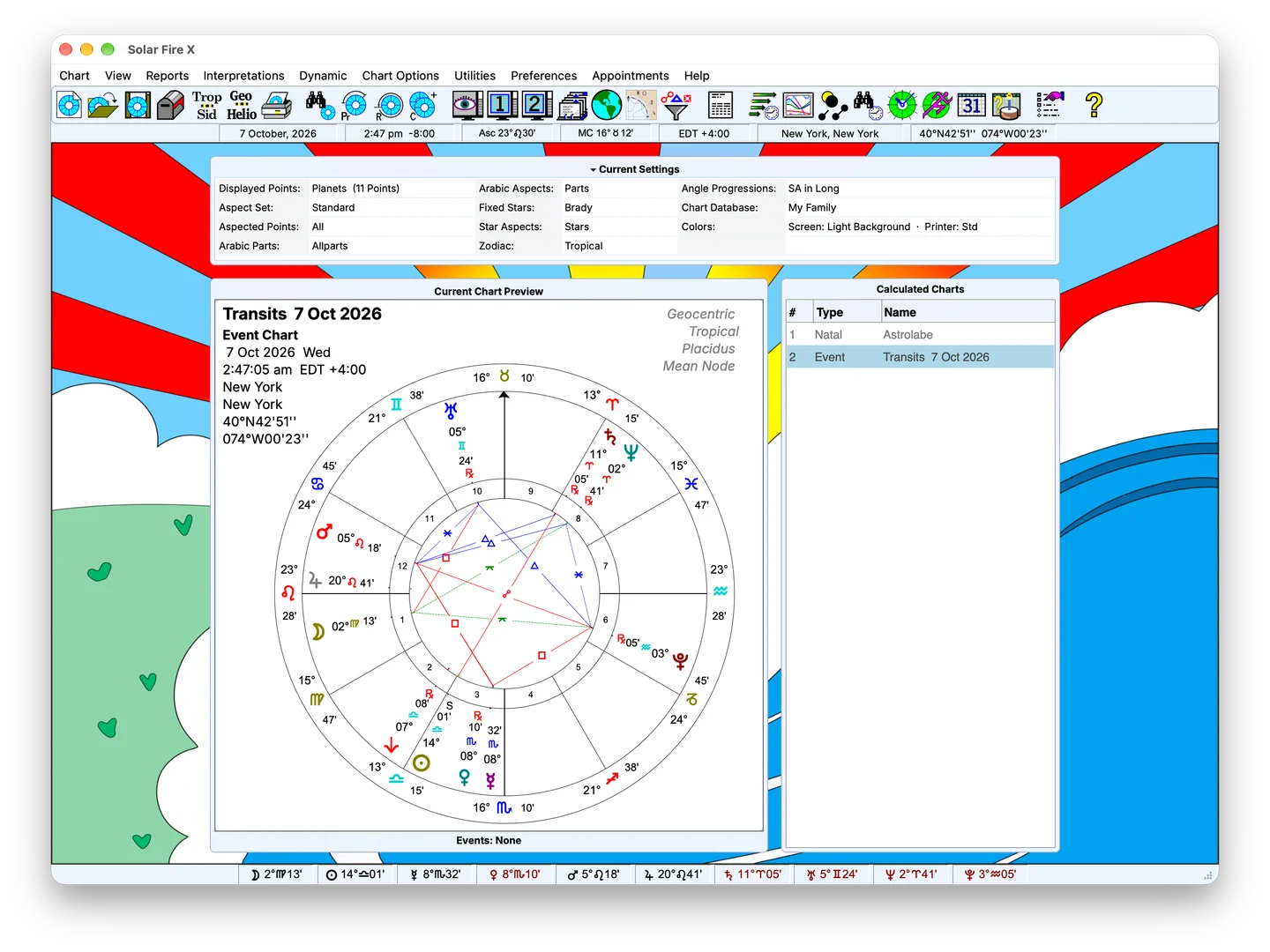
Use chart animation to move through time and explain how positions and relationships change. Follow a transit, pause on a moment worth discussing, or compare different stages of the same story while you present.
Design a wheel that speaks your visual language
The wheel designer gives you control over chart presentation: configure wheel styles, chart points, colours and the information you want to emphasise. Make a focused visual for one explanation or develop a recognisable look across a series.
Build the page around your explanation
Use the page designer to arrange wheels, tables and supporting chart information into a layout that suits your topic. Put the material you are discussing together and leave room for your own commentary.
From chart preparation to your own production
Use Solar Fire X to prepare and present the astrology. Pair the on-screen demonstration with your preferred recording and editing tools when creating a lesson, livestream or video.