Selecting a Chart
To select a chart to display over the current map Select “Select Chart...“ from the “Chart“ menu or click on the “Chart“ button above the map display area. If there are retained charts from the last session of Solar Fire, then you will be presented with a list of calculated or retained charts from which to choose. If you have not already chosen a chart file to open, then you will be presented with a dialog box from which you can select a chart file to look in.
When you click on a chart in the listbox on the left, the details of that chart will be displayed in the box at the right, along with any chart comments that were saved with that chart (if any exist).
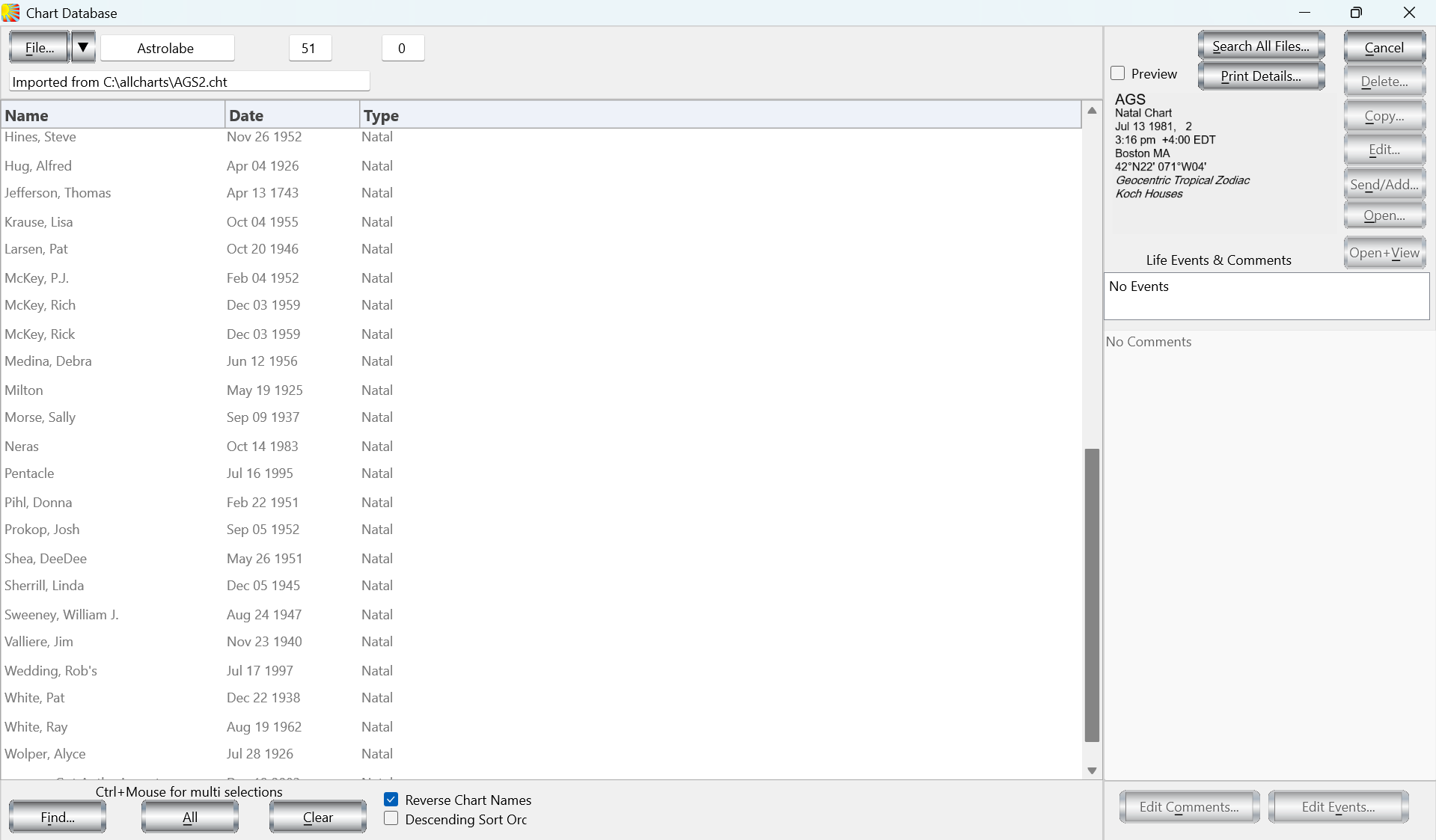
To select one of these charts to display, click on the required chart and then click on the “OK“ button or Double-click on the required chart. You will then be returned to the main screen of Solar Maps, and the newly selected chart will be used to draw astrological lines over the current map.
To sort the listed charts into alphabetical order:
Click on the “Sort Alphabetically” check box.
This will sort the charts into ascending alphabetical order. When this option is not checked, the charts will be displayed into the order in which they were saved into the chart file (ie. unsorted).
To display chart names with last name first:
Click on the “Reverse Chart Namest” check box.
This will ensure that the last name in the chart will be displayed at the beginning of the line, followed by a comma and the remainder of the name. This option is useful when used with the alphabetical sort option in order to list the charts by alphabetical order of last name. However, note that any chart names which have been created in Solar Fire as “Event” or “Horary” charts are not affected by this option, because it is assumed that such charts do not consist of personal names.
To remove any currently selected chart:
Highlight the chart and select “Clear Chart’’ from the “Chart“ menu.
This leaves the map without any chart lines displayed, and you must reselect a chart to display them again.
Solar Fire X by Astrolabe Inc Copyright © All rights reserved.