Opening the Symmetry Screen
There are three ways to open the Symmetry Screen:
(1)Step 1: Double-Click any chart in the calculated charts list on Solar Fire’s opening screen.
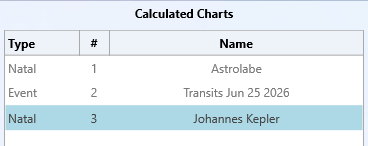
Step 2: Press “Symmetry” on the right panel of the open View Chart screen.

(2)Click the Symmetry icon in the icon list on Solar Fire’s opening screen.

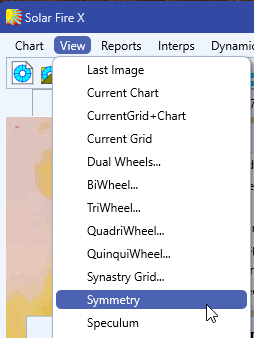
(3)Select Symmetry in the View Menu on Solar Fire’s opening screen.
Note: When the currently viewed chart is in Symmetry mode, change chart options are disabled. Close the View Chart window or switch to Wheel Mode before changing charts.
Solar Fire X by Astrolabe Inc Copyright © All rights reserved.