Changing the Chart File Description
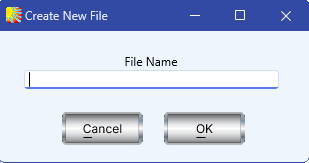
To aid in identifying and selecting chart files, any Solar Fire chart file can have a description of up to 80 characters. When a new chart file is created a small dialog box will pop up, "Create New File", where you can type in the new file name that you wish to use. Then click OK.
This description is displayed on the “Chart Database” screen. However, note that you cannot enter a description for Solar Fire chart files which are v2 (Standard Edition) format or earlier.
>> To add or edit a chart file description
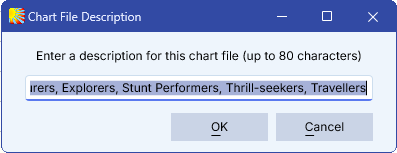
•On the Chart Database screen, at the top center right of the screen above the charts list, click the Edit button. A Chart File Description box will come up, where you can type in the description you want. Choose OK to save or Cancel to exit without saving your changes.
Solar Fire X by Astrolabe Inc Copyright © All rights reserved.